











The Bongobongo mobile app gives Android users in Zambia access to sports betting, casino games, account tools, and live markets without relying on a browser. Its layout is designed for smaller screens, with menus for finding events, checking a bet slip, reviewing transactions, and managing profile settings.
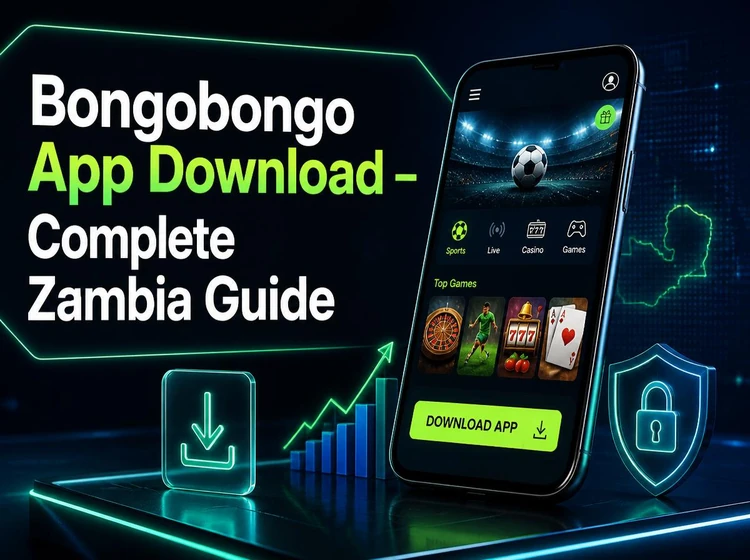
Overview of Bongobongo App
The app is intended for compatible Android phones and tablets. A stable internet connection is needed to load odds, game content, balances, and transaction updates. Before placing a bet or making a payment, check that the account details and selected market are correct.
Using the app can be more convenient than a mobile browser when you want quick access to a saved session, notifications, or device-based sign-in options. Available features can vary by account status, device, and connection quality.
How to Download Bongobongo App
Download the installer only through the official site. Before beginning, make sure the phone has enough free storage for the downloaded file and the installed app, and use a reliable Wi-Fi or mobile-data connection to avoid an incomplete file.
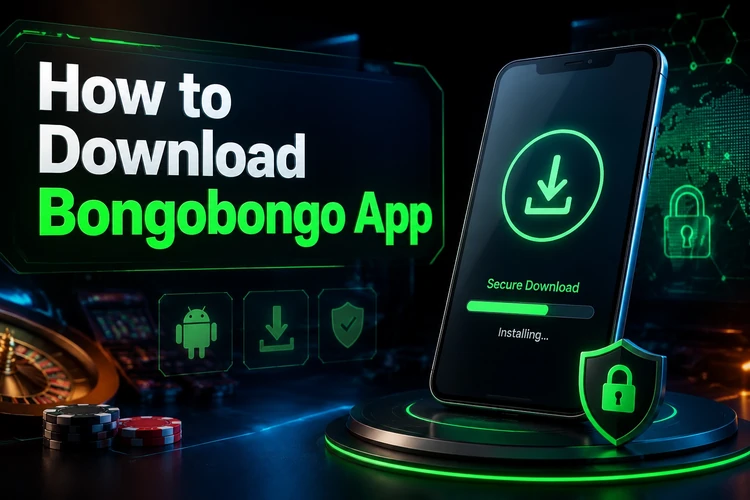
- Step 1: Open the official homepage in your Android browser.
- Step 2: Find the app download option and save the APK file.
- Step 3: Wait for the download to complete, then open the Downloads folder or your file manager.
- Step 4: Select the file and follow the Android installation prompts.
Android may display a warning for files obtained outside its app store. Treat this as a reminder to confirm the source, rather than bypassing it without checking the file you selected.
Bongobongo APK Installation
An APK is the installation package used by Android. If the phone blocks the file, open device settings and allow your chosen browser or file manager to install unknown apps. The wording and location of this option differ between Android versions.
Tap the downloaded APK and review the installation screen before continuing. If installation fails, delete the file, restart the phone, confirm that storage is available, and download a fresh copy from the official source. Do not install files forwarded through messages or obtained from third-party directories.
Latest Version and Updates
Keep the app updated when a newer release is offered through the official channel. Updates may address technical issues, security matters, or compatibility with the phone's operating system. Check the version information in the app settings if you need to confirm what is installed.
When updating, install the new APK over the existing version unless the app specifically instructs otherwise. Your account itself is held on the platform, but you should still know your login details before replacing or reinstalling the app.
Registration Guide
New users need an account before using account-specific features. Open the registration form and provide accurate personal details, including a phone number and email address that you can access. Choose the account currency carefully and read the terms before submitting the form.
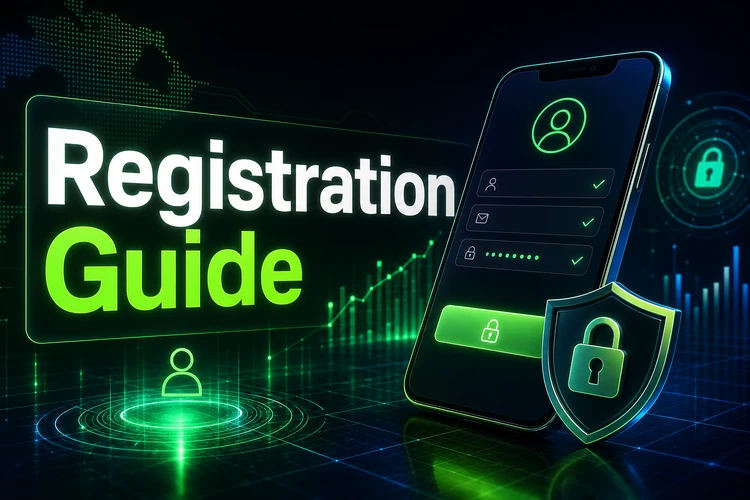
A verification code may be sent to the supplied contact method. Enter it only within the app or official site. If registration does not finish, check for typing errors, a weak connection, or a phone number and email address already attached to another account.
Login Guide
Enter your registered phone number or email address and password on the login screen. Check for accidental spaces, incorrect keyboard language, and letter case before making repeated attempts. Avoid saving a password on a shared device.
If you cannot remember the password, use the recovery option on the login screen and follow the code or reset instructions sent to your registered contact method. Clearing the app cache can help with display problems, but it does not replace password recovery. For unresolved access issues, use the contact page.
Mobile Features
The app can provide sports markets for football, basketball, tennis, and other events, including live betting where available. Odds can change while an event is in progress, so confirm the selection and displayed odds in the bet slip before placing a wager.
The casino area may include slots, table games, and live dealer content. Account screens help users review deposits, withdrawals, settled bets, and transaction history. Notification settings can be adjusted to limit alerts, sounds, or vibration. The Aviator game page explains one of the available game formats.
App Performance
Performance depends on the phone, free storage, current Android version, and network signal. Standard account actions usually use less data than streamed casino content or live video. On a limited data plan, use Wi-Fi for larger downloads and monitor data usage during streaming.
If screens load slowly, close unused apps, restart the device, and test another network. Keeping the operating system and app current can also reduce compatibility problems.
Security and Responsible Use
Protect the account with a unique password and do not share verification codes or login details. Download only from the official source, lock the phone with a screen passcode, and sign out after using a public or shared device. Review notifications promptly for unexpected account activity.
Users must be 18+ to register and bet. Set personal spending boundaries before playing, take breaks when needed, and use the support information on the responsible gambling page if betting no longer feels manageable.
Troubleshooting
If an APK will not open, check that the download finished and that permission is enabled for the browser or file manager used. If the app crashes, restart the device, free up storage, and install the current version again. Connection errors can often be isolated by switching between mobile data and Wi-Fi.
For login errors, reset the password rather than guessing repeatedly. If a feature does not load after updating, check the app permissions and connection first, then contact support with a clear description of the issue and any error message shown.
FAQ
Open the official homepage in your mobile browser, select the app download option, and save the APK file. When it has finished downloading, open it from your Downloads folder and follow the Android prompts.
Only download the APK from the official site. Check the source before opening the file and avoid copies shared through third-party websites, messages, or file directories.
Compatibility depends on the current app release and your device. Check the Android version in Settings under About phone, and keep the operating system updated where possible.
Usually, installing a newer APK over the existing app updates the application files. Keep your login details available before updating, particularly if you need to reinstall the app.
Use the password recovery option on the login screen. Enter the registered email address or phone number and follow the reset instructions sent to that contact method.
Android requires separate approval for apps installed outside its app store. Enable this permission only for the browser or file manager you are using, and turn it off again afterward if you prefer.